12 7 23 9 31 5 17
A notice from your camera roll
The path you took,
on every trip you ever loved.
You remember the trip. You don't remember the way: which alley led to that courtyard, where the long walk to dinner actually went, how far you wandered that one perfect Tuesday. Your photos remember. Every snap quietly carries a time and a place, and SnapperMapper redraws them into a hand-drawn treasure map of your day.
Free · No account · Everything stays on your iPhone
Mark the first
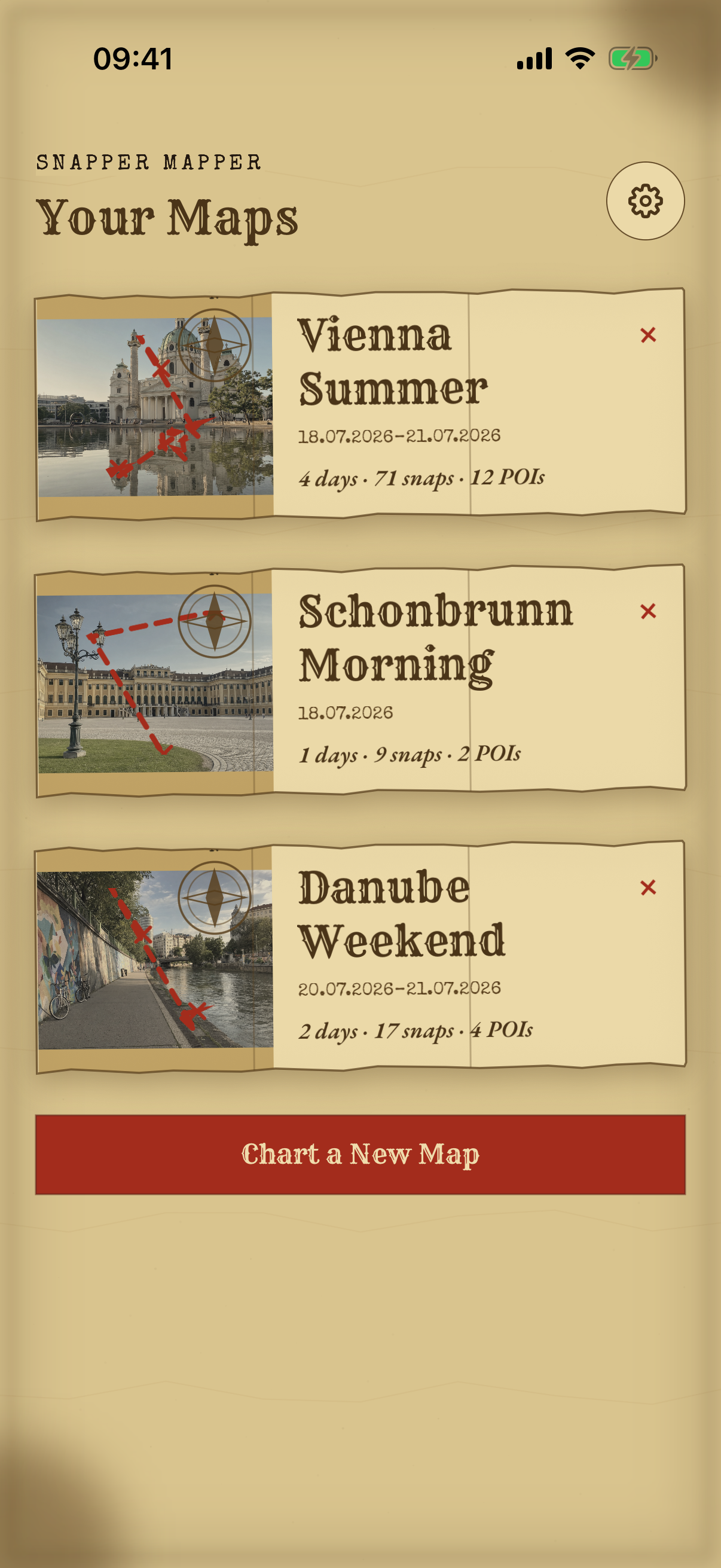
Choose a date range from your photo library. SnapperMapper reads when and where each photo was taken, and it never changes your Photos library.
Setup: two minutes · 0 km walked
Mark the second
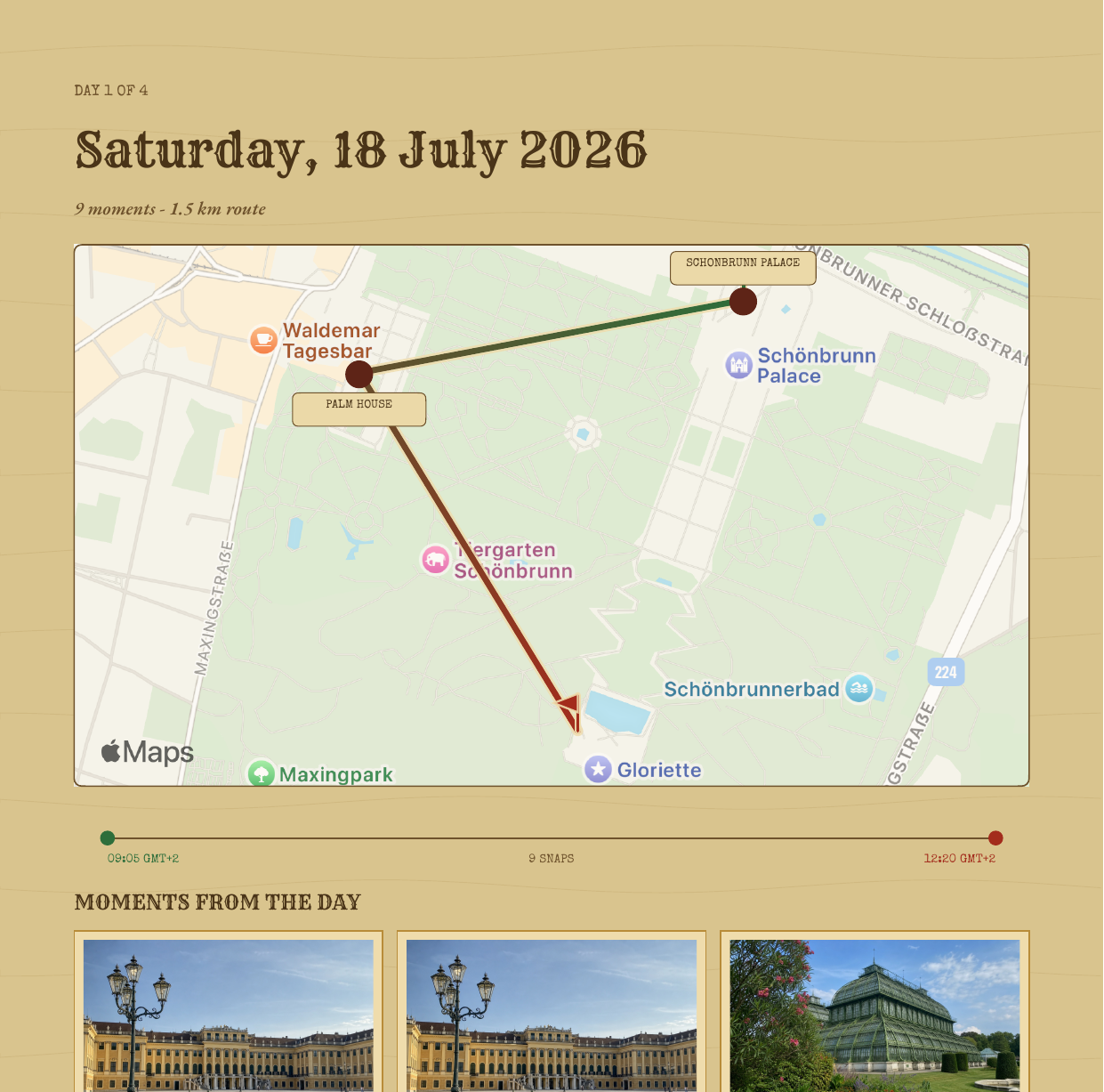
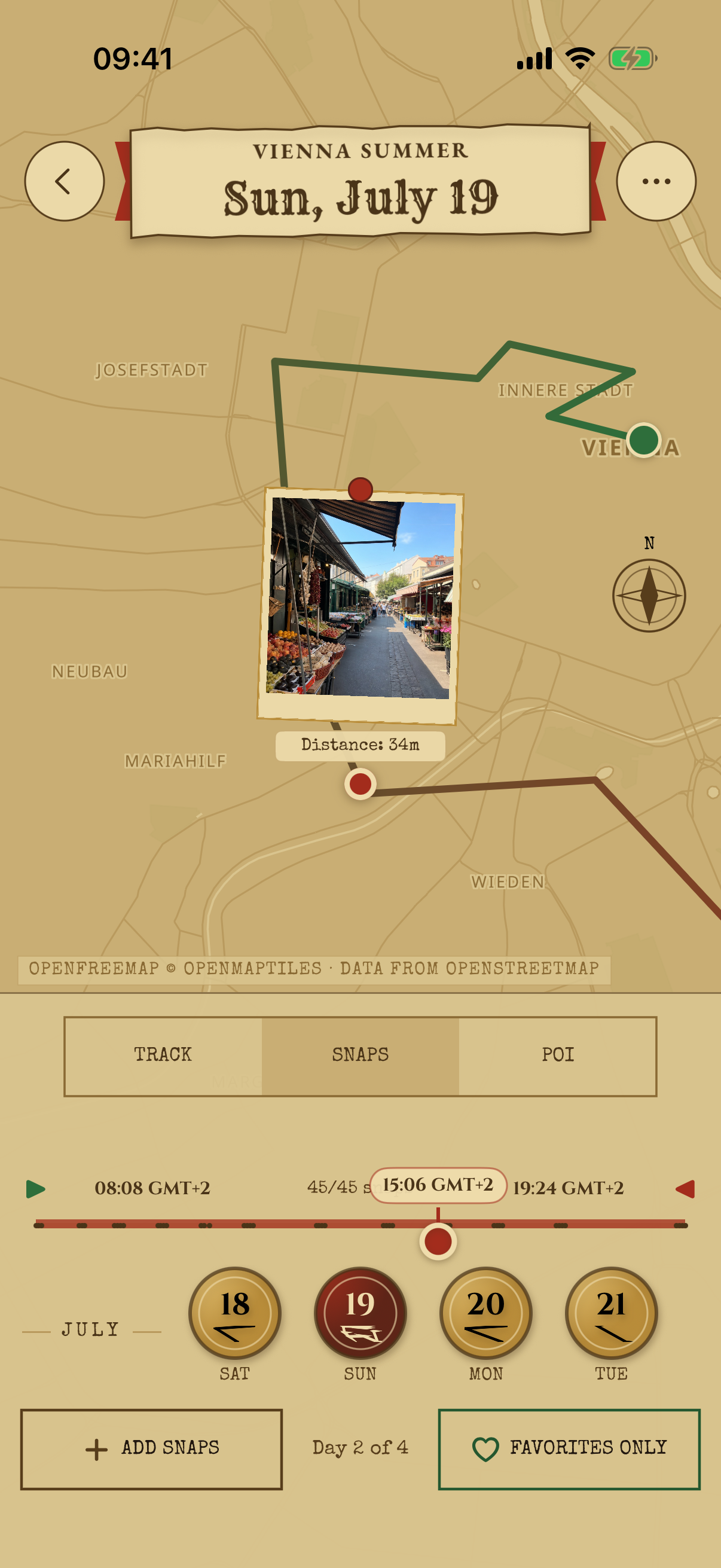
The route you actually walked is rebuilt photo by photo and colored from morning green to evening red so you can read the day's rhythm at a glance. Wobbly GPS is quietly corrected, and stretches you didn't photograph are drawn honestly in brass dots and never invented.
Sunrise green to sunset red
Mark the third
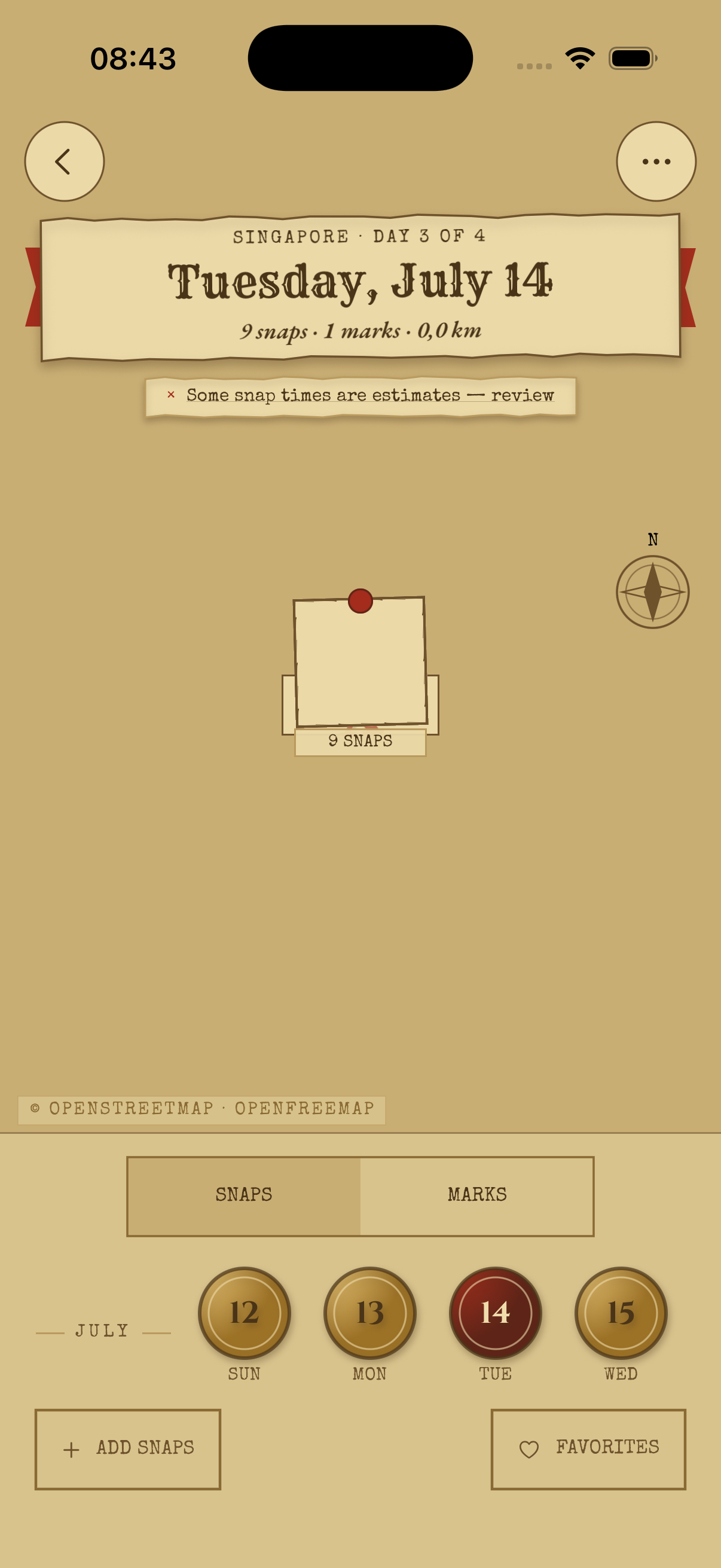
Drag the timeline and a red playhead walks your trail while the nearest snap lights up in step. The map follows along, and any moment of the trip is one thumb-slide away. Tap once to explore; tap again to return to the complete day.
Relive it, thumb on the timeline
Mark the fourth
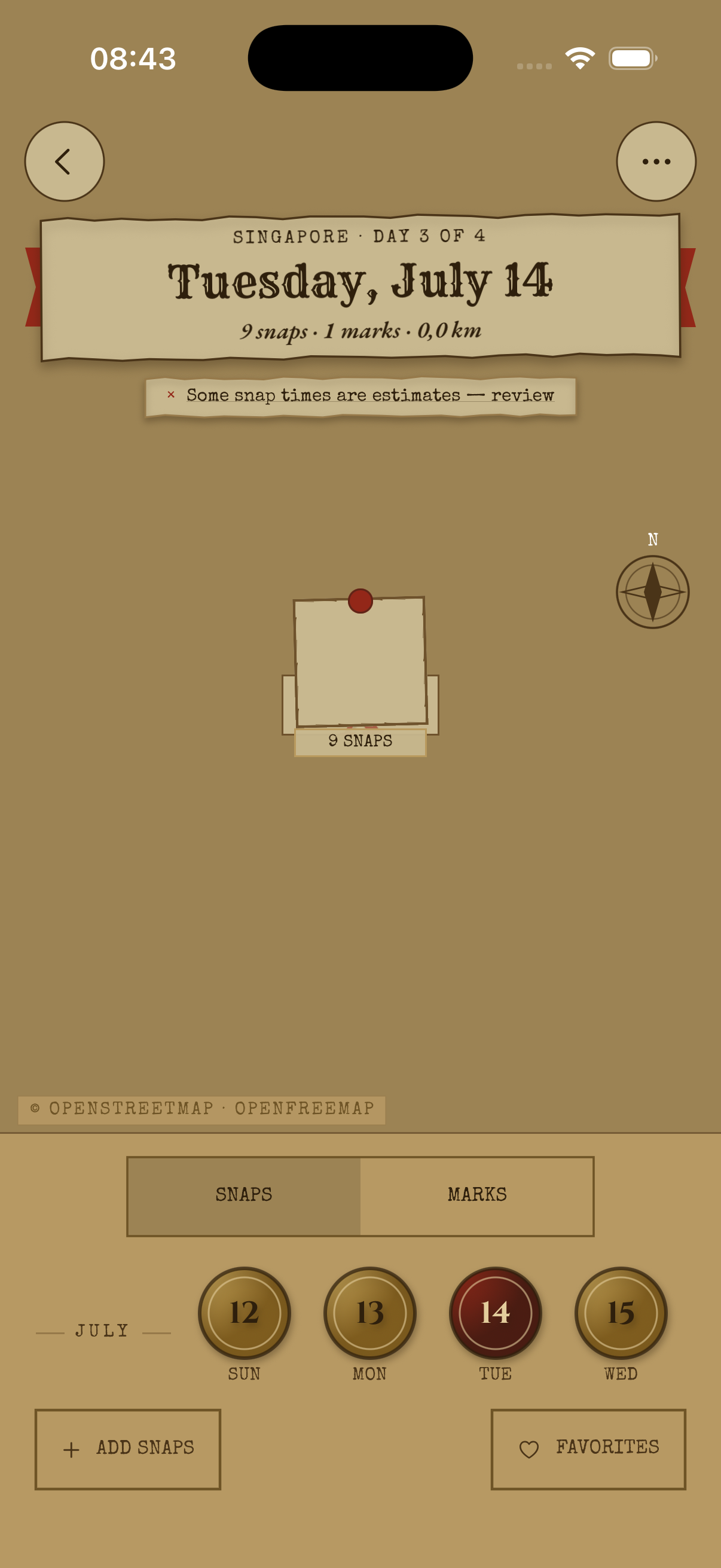
SnapperMapper works out where you stopped, whether it was the temple, the noodle bar, or the viewpoint, and labels it on the trail. Overrule any guess, mark favorites with a wax seal, and after dark read it all in lantern mode, like a map by candlelight.
Also available: by candlelight
Mark the fifth
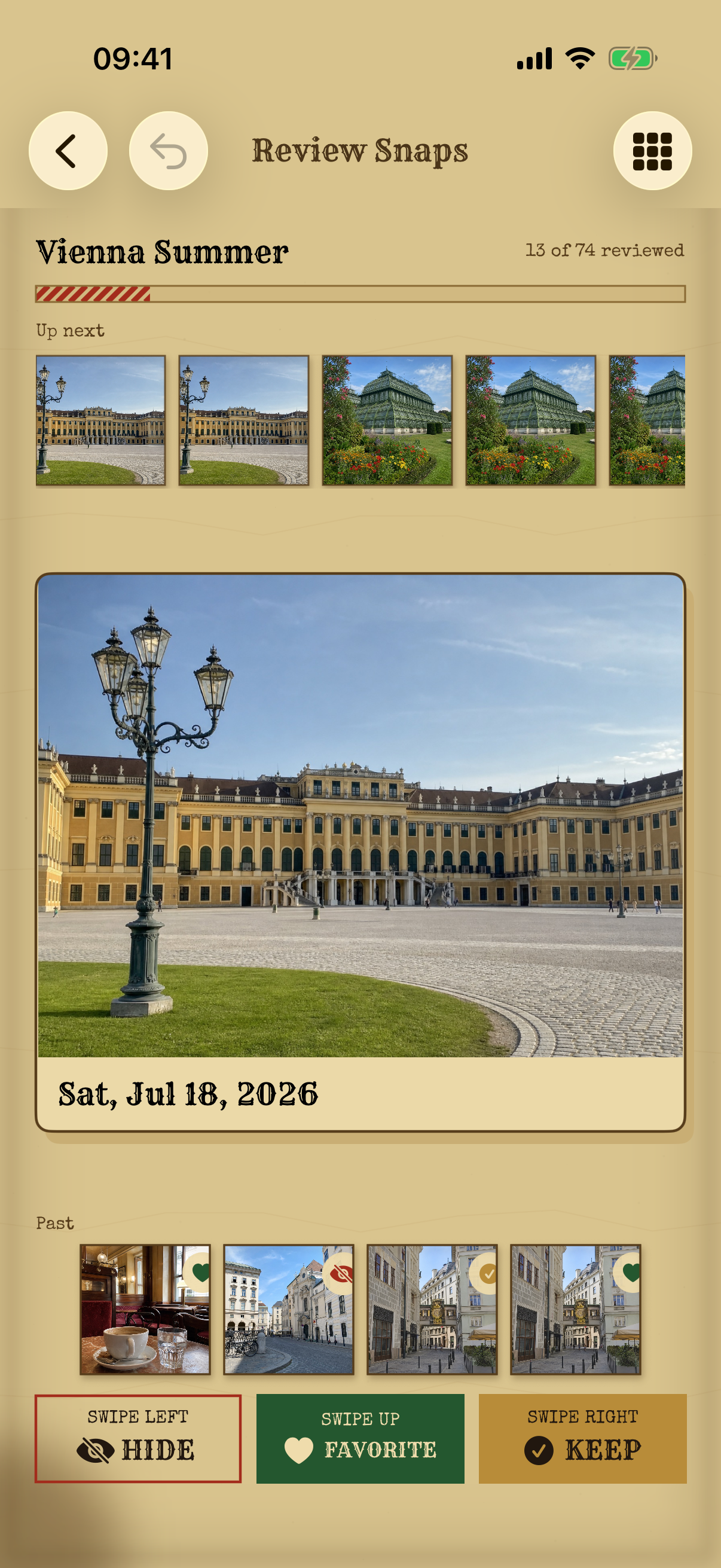
Four hundred photos become the twelve worth keeping. Swipe to keep, favorite or hide, compare against what's coming next by holding it, and change your mind as far back as you like. Hiding only ever changes the map. Your originals are never touched.
Keep · favorite · hide · undo
Mark the sixth
Export the trip as a PDF journal with day chapters, photo grids, and route maps with start and end flags, all made entirely on your iPhone. Or send your favorites to a Photos album that re-syncs to exactly your current picks, every time.
A journal you can print · an album that stays true
Also aboard
Hidden, kept, favorite: three columns, every decision reversible.
Each photo filed by its own timezone, not your phone's.
Likely selfies spotted on-device, kept out of your journals.
Rename, re-cover, or move a day to the trip it belonged to.
Add photos later. Overlapping ranges never duplicate a thing.
Three years of trips, waiting to be redrawn.

Free · No account · No cloud · iPhone